Clippy: Get Clipped, Nerd!
A downloadable tool for Windows
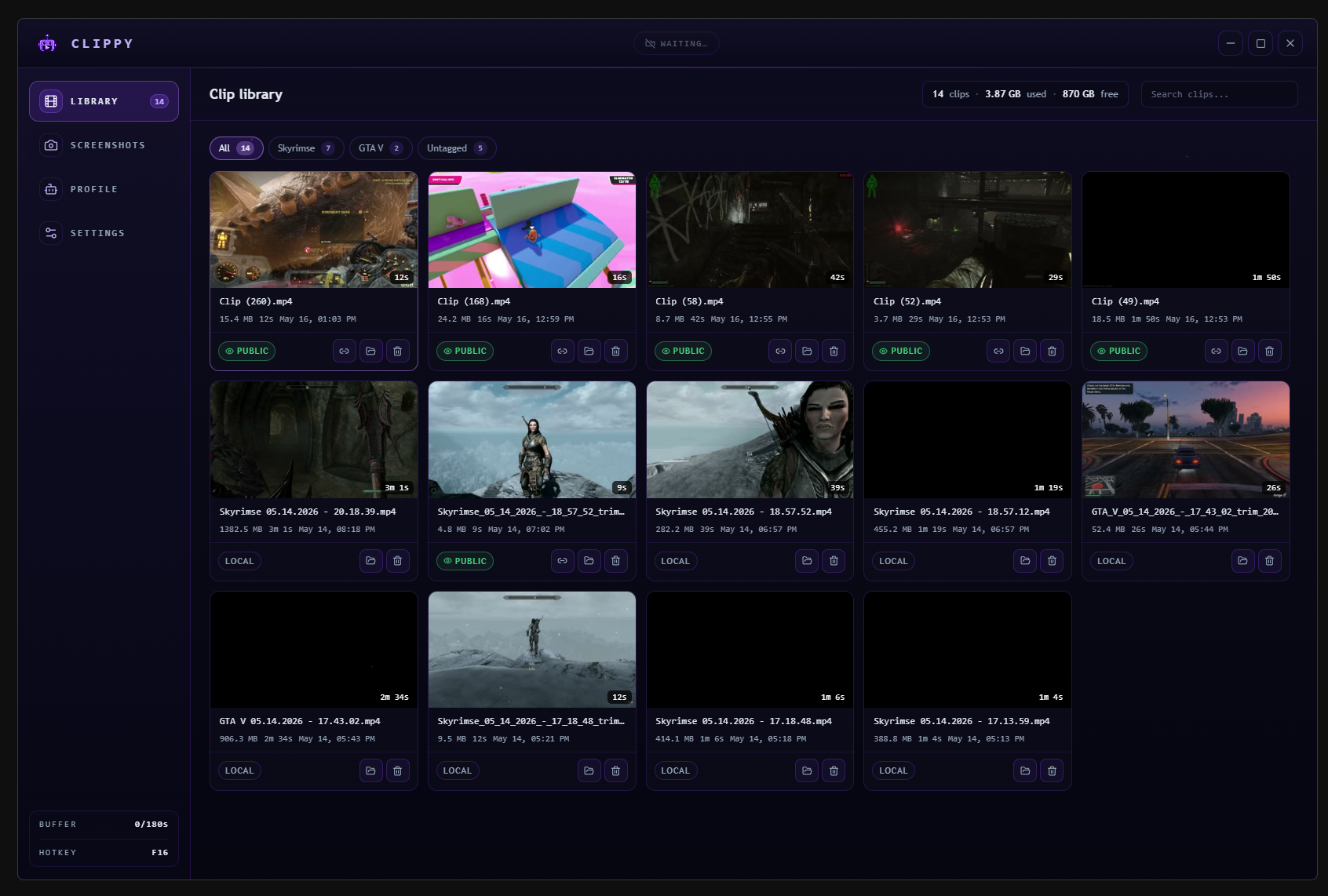
Clippy is a free clip recorder for PC games. Press one key, and the last few minutes of gameplay get saved instantly. Trim it, share the link. A lightweight Shadowplay and Medal alternative.
Key Features:
- INSTANT CLIP - Press F8. The last 3 minutes (configurable) get saved instantly. No buffering, no waiting. Just your moment, kept.
- RUST + TAURI - Native binary, not Electron. Encodes in-process on NVIDIA, so no helper process eats RAM. Capture runs on the GPU, not your game’s CPU thread.
- SHARE ANYWHERE - One link to share. Embeds clean on Discord, X, and Reddit. Or grab the file and upload it wherever you want. No account needed to watch.
- AUTO DETECT - Clippy figures out which game you are playing and records just that window. No manual config, no whole-screen capture, you have to crop later.
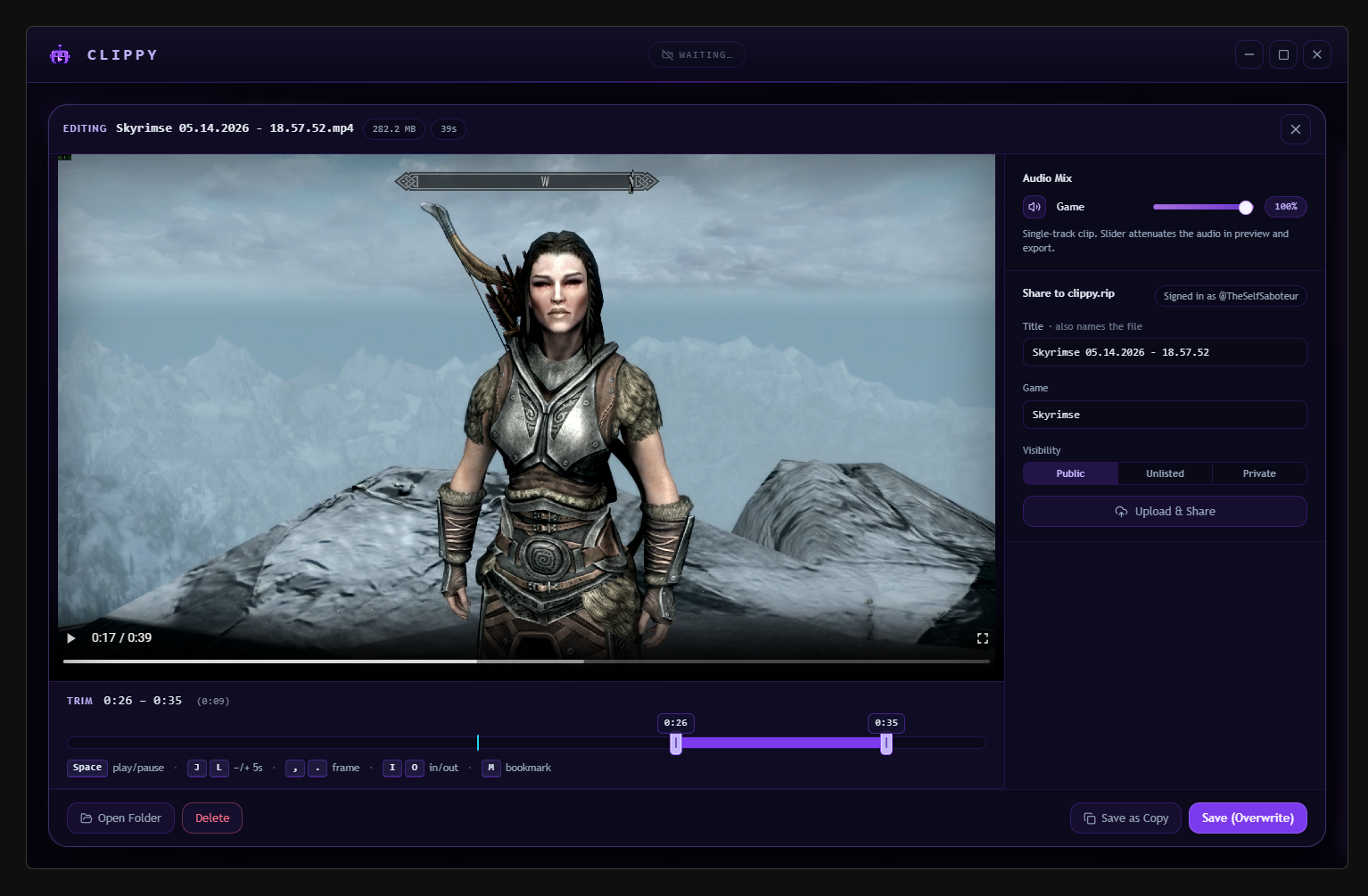
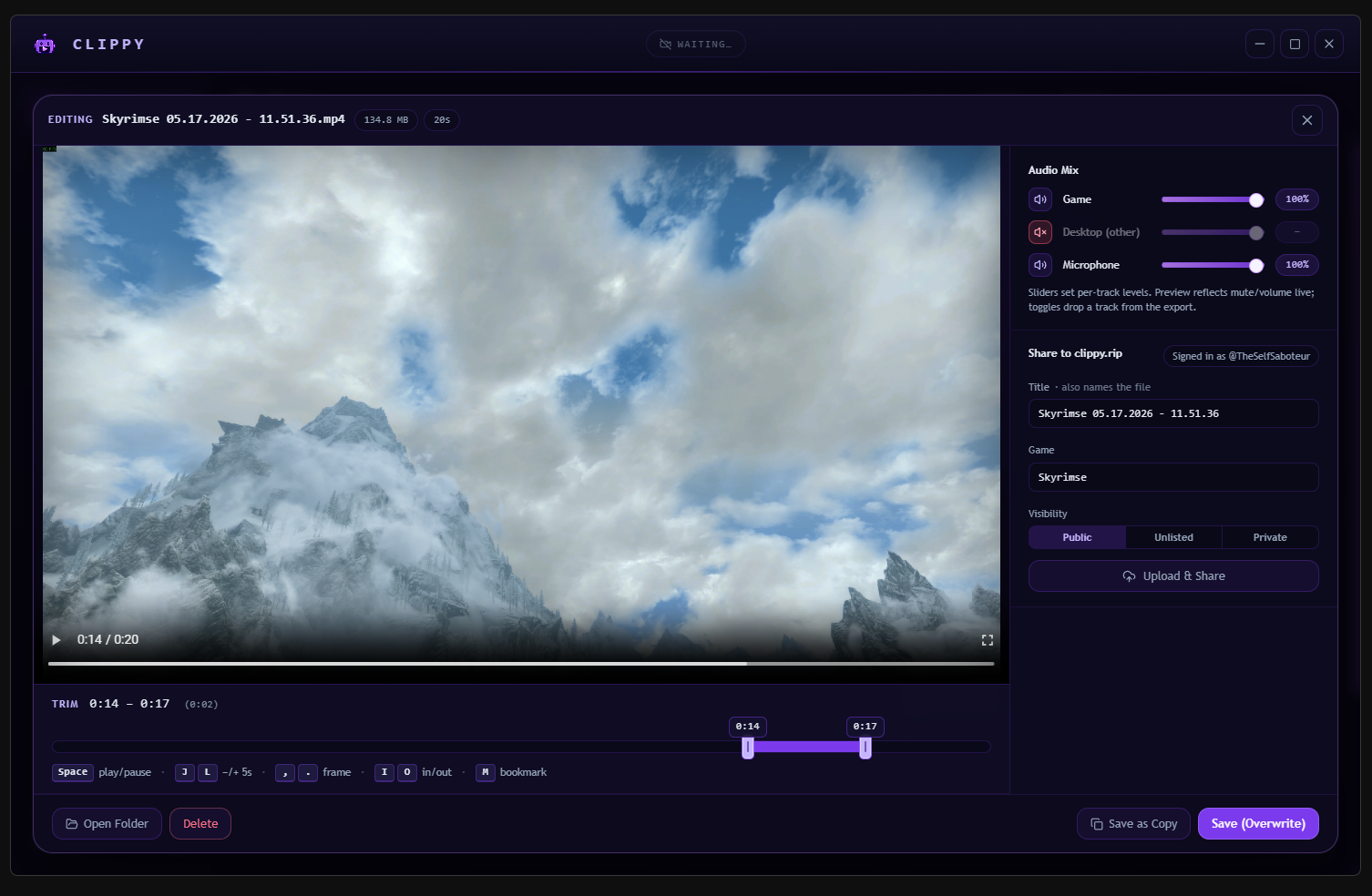
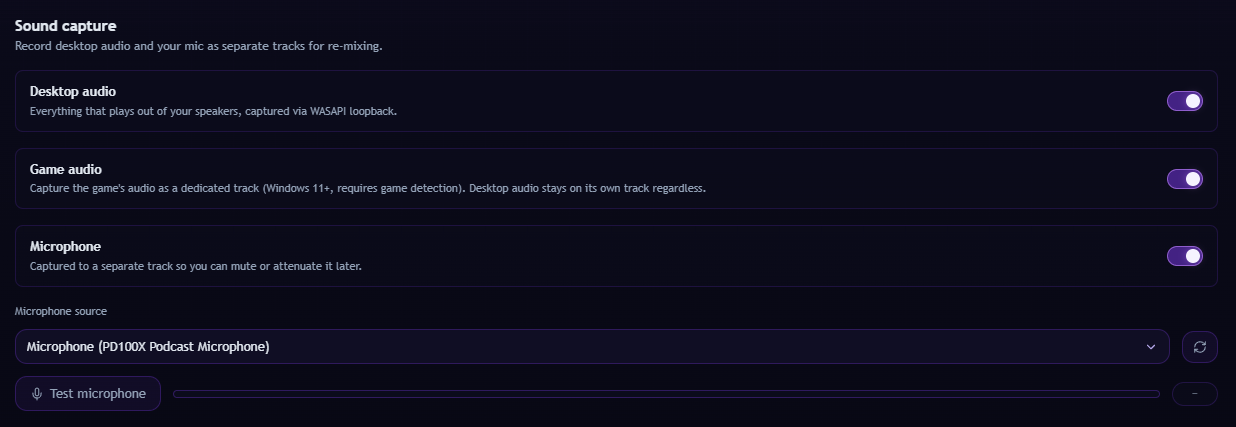
- MULTI-TRACK - Game, desktop, and mic land on separate audio tracks. Mute or rebalance any of them in the editor before you share.
- PRIVACY FIRST - Clips live on your disk and stay there. Nothing uploads until you press Share on the clip you want to make public. Your highlights are yours.
Additional Features:
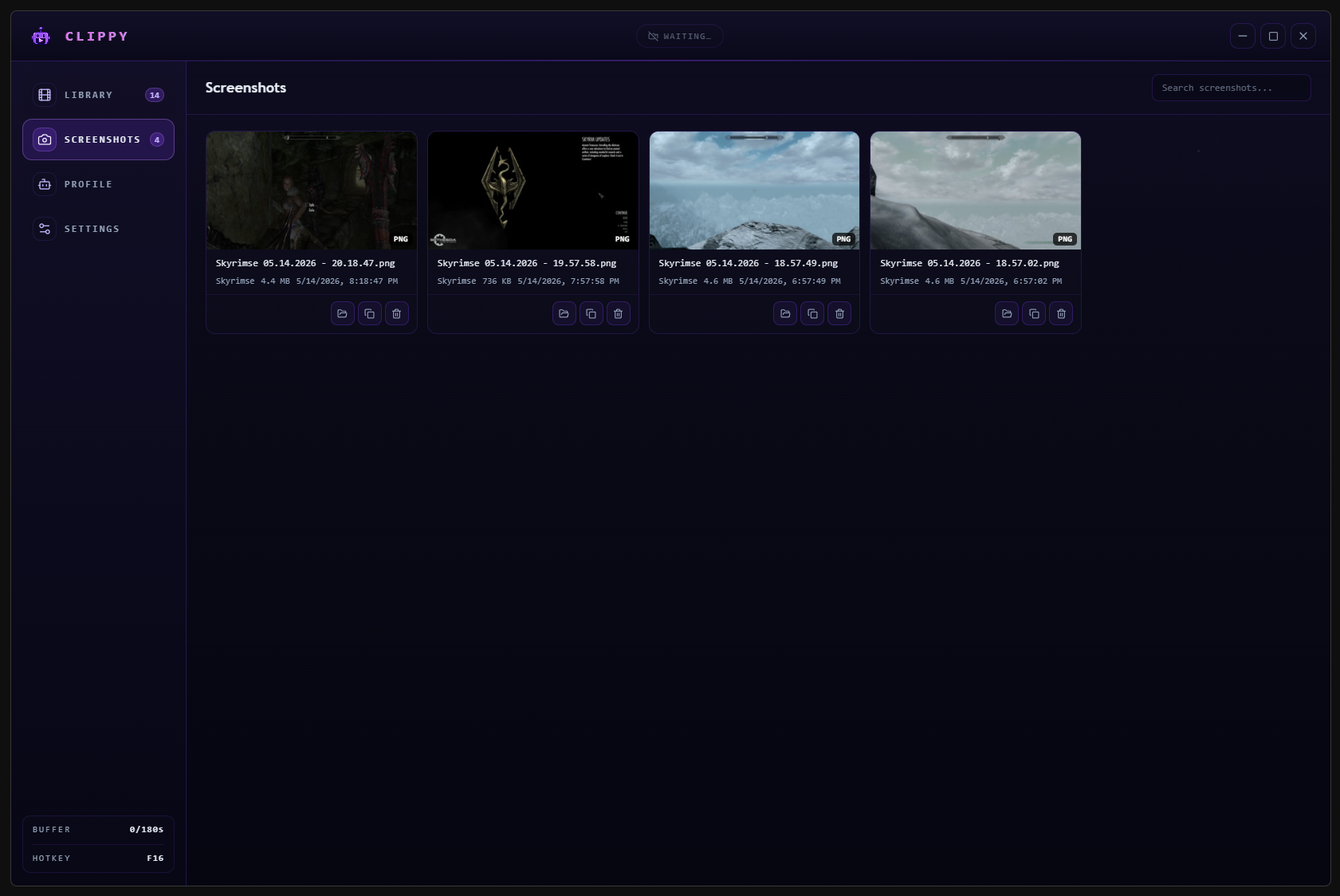
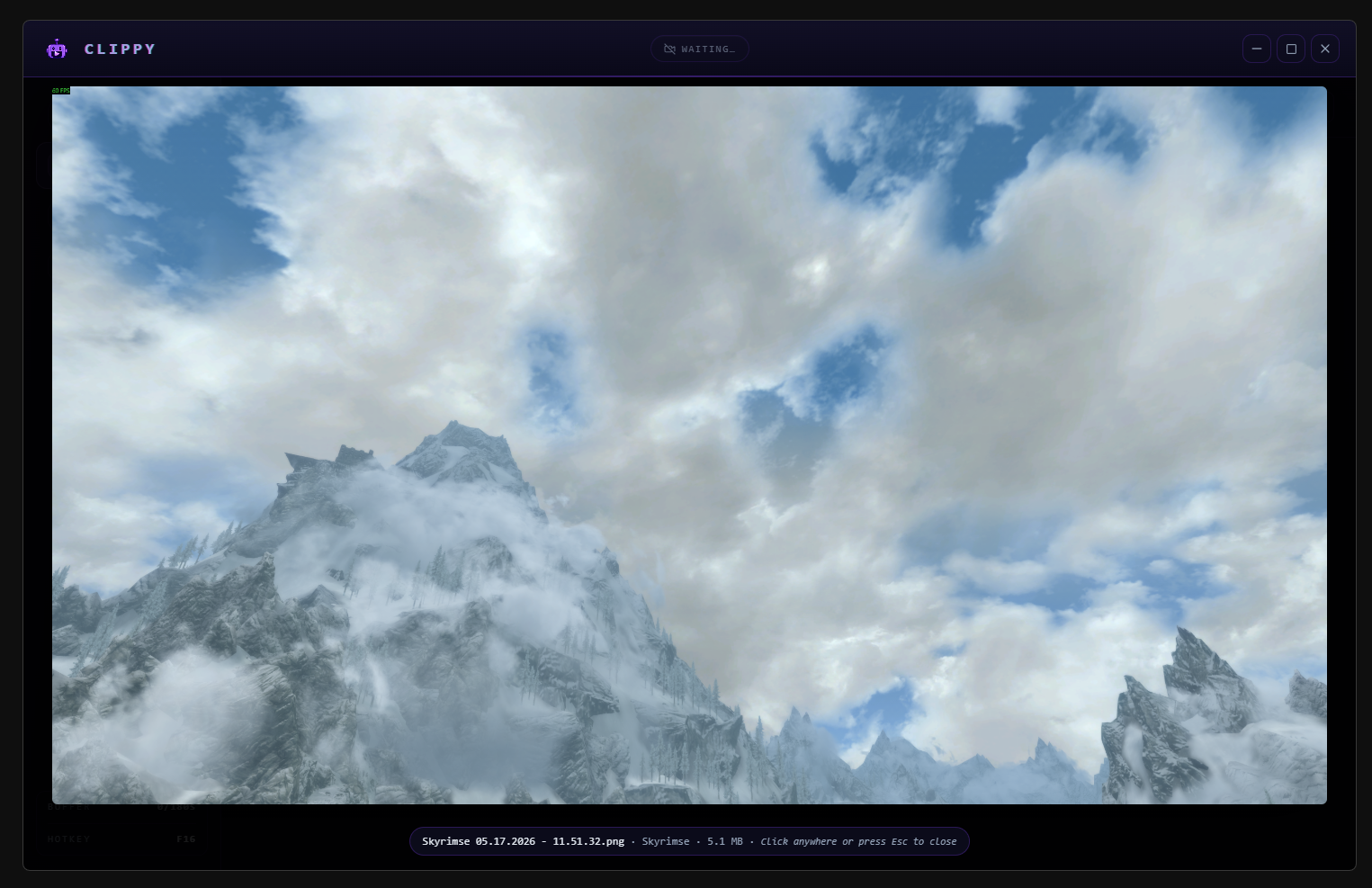
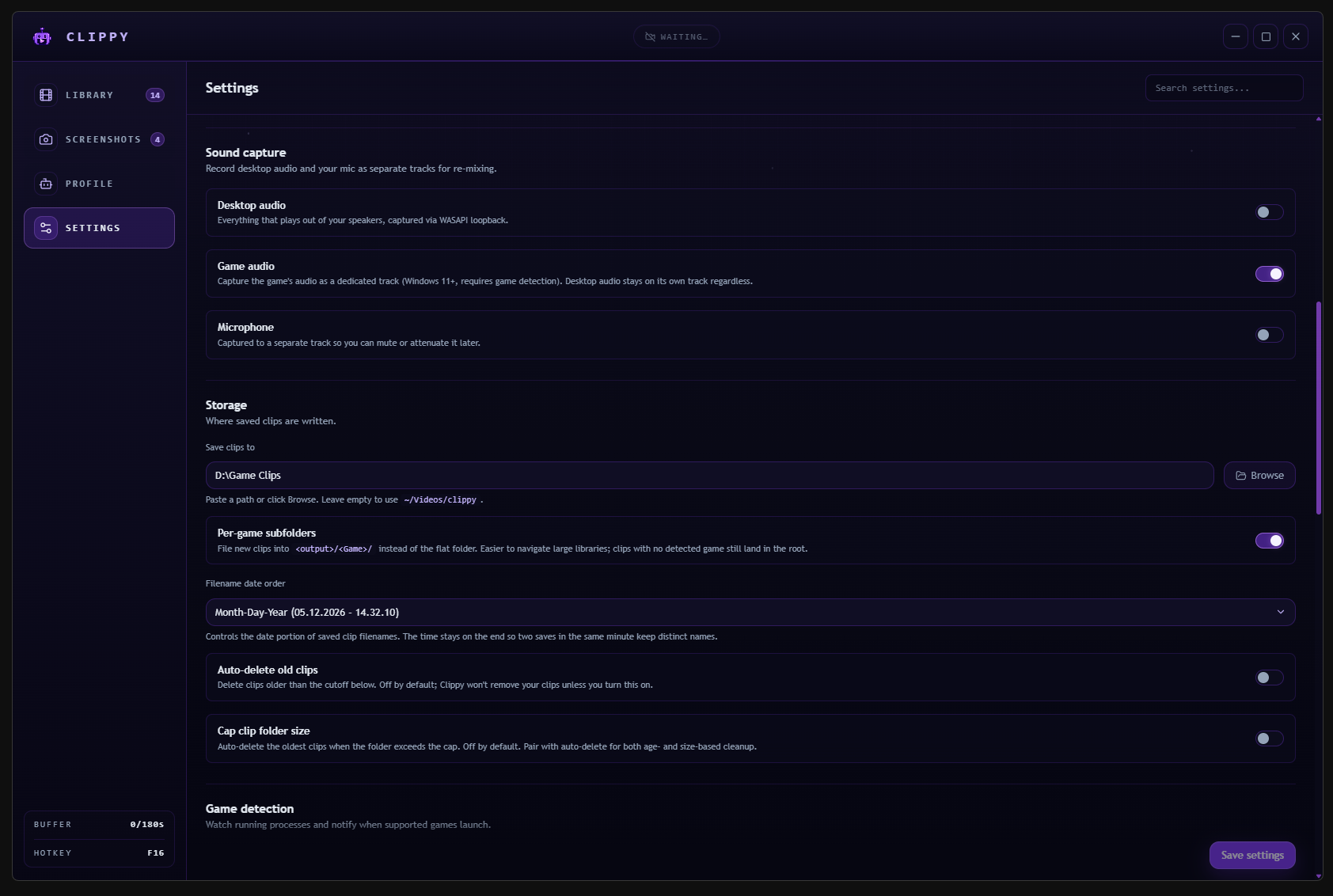
- Take screenshots and record your games with a simple hotkey!
- Low resource usage tucked away in your system tray!
- Built-in editor to trim your clips and share anywhere on the web!
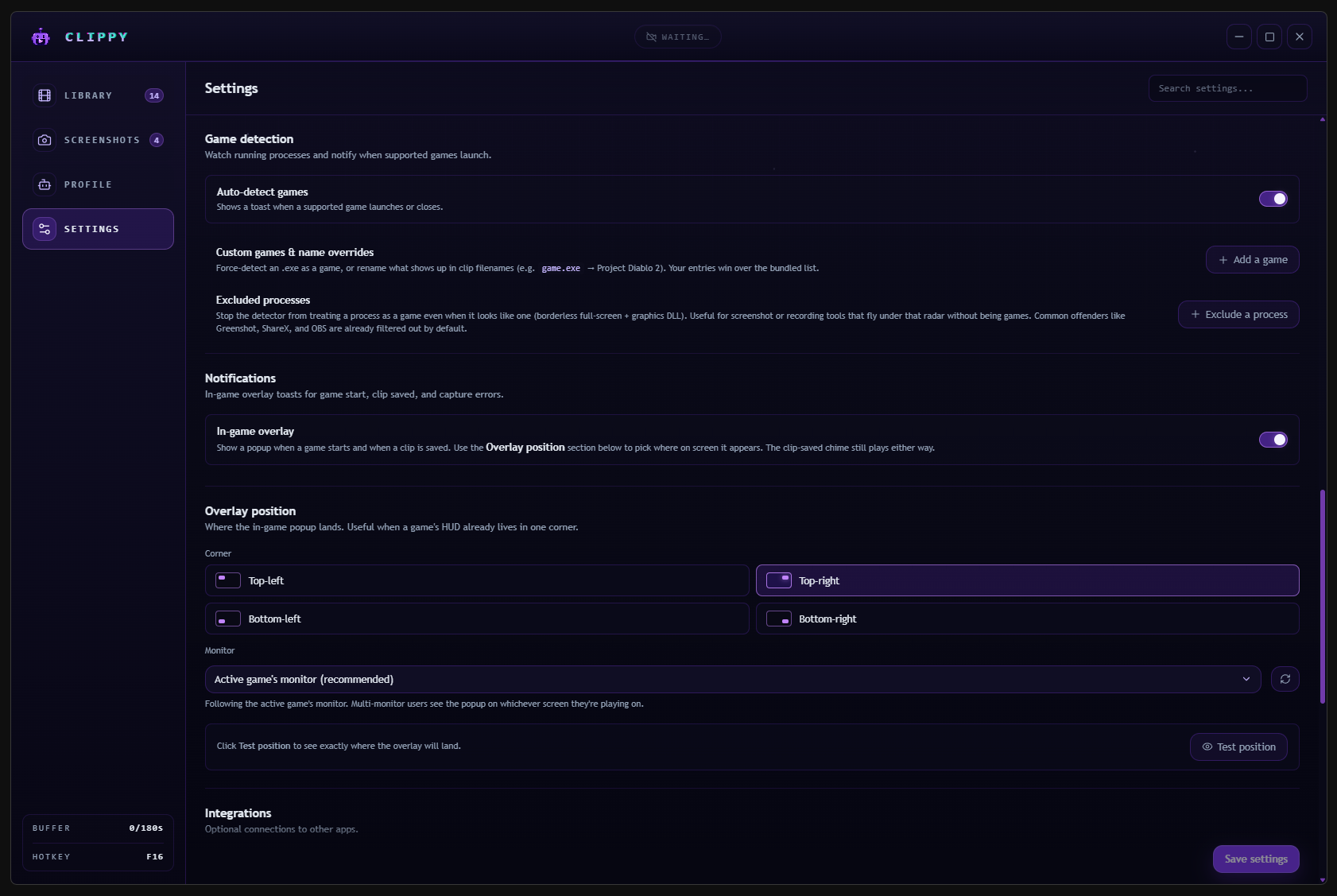
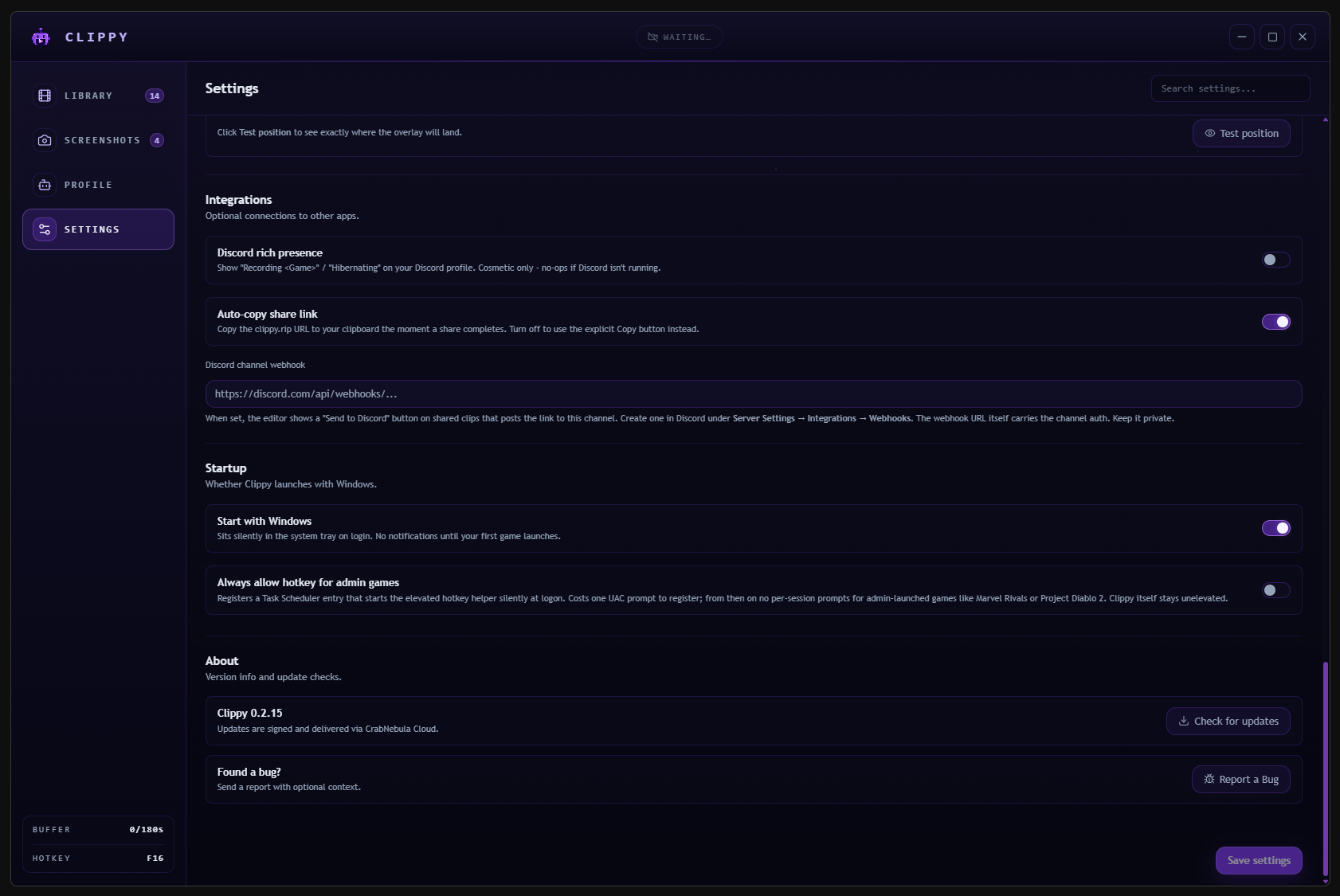
- Discord integration and easy-to-use options for every clipper!
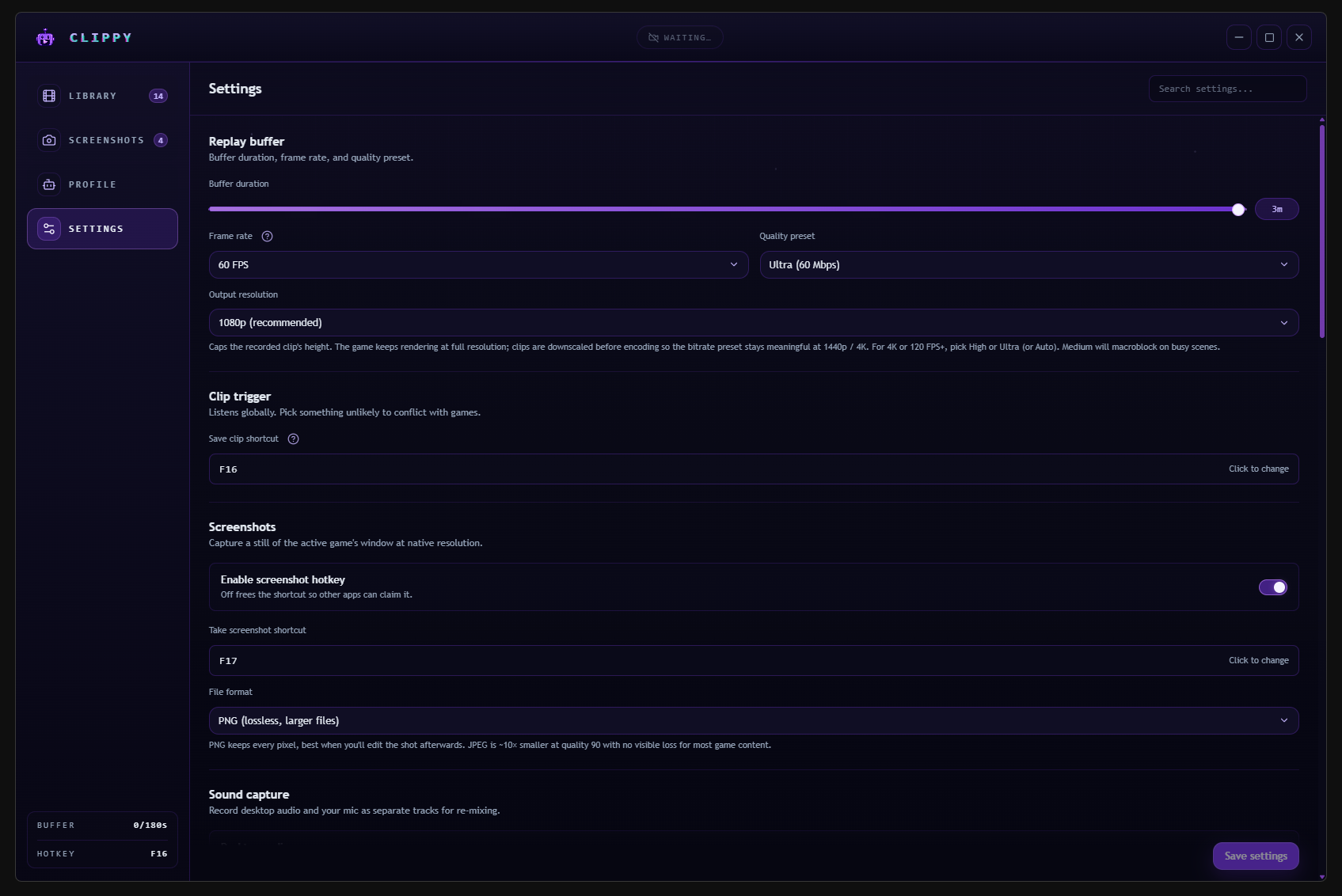
- Customize how you record with encoding preset, FPS, and resolution!
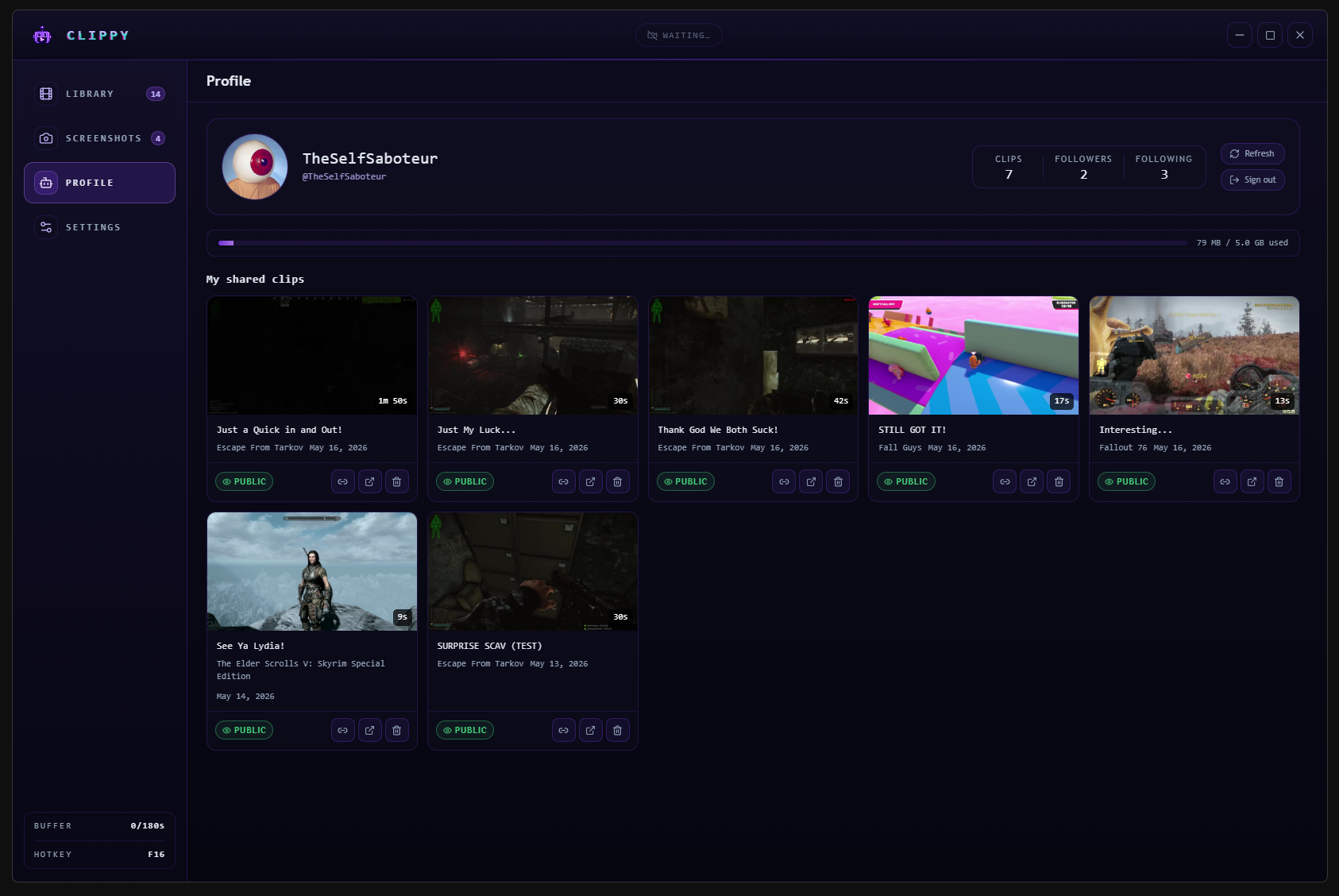
- Clippy.rip website lets you easily view, upload, and share your clips from the app!
Download
Install instructions
- Install Clippy - Download it for Windows. Tiny installer, no bundled extras.
- Play Your Game - Launch any game. Clippy watches quietly in the background.
- Press F8 - One key saves the last 3 minutes (configurable). No interruption, no popup.
- Share It - You get a link. Post it wherever. No signup needed to watch.
Heads up
Windows may show a SmartScreen popup saying the installer is unrecognized. Clippy isn't code-signed yet, so Microsoft flags every new app by default. Click More info, then Run anyway to install.
Development log
- Our itch.io Launch For Clippy!2 days ago
Comments
Log in with itch.io to leave a comment.
This is actually really cool. I normally use OBS Replay, but this will also be good to have as a back up. I do have an issue though. Similar to Xbox's GameBar, where if I tab out, the recording starts when I tab into the game. Is there a way so that the capture recording doesn't restart or begin when I click on my game. I often tab out, and I have multiple monitors.
It auto starts "buffer" when games are in the foreground and alt-tabbing doesn't cause any disconnecting issues. Some games it works more flawlessly because of how it hooks into the game but so far the two games that gave me trouble before with alt-tabbing (GTAV and Skyrim) had no issues with alt-tabbing or even changing video settings as long as the Clippy app is active in your system tray!